| Portal Navigation — Left Panel |
|
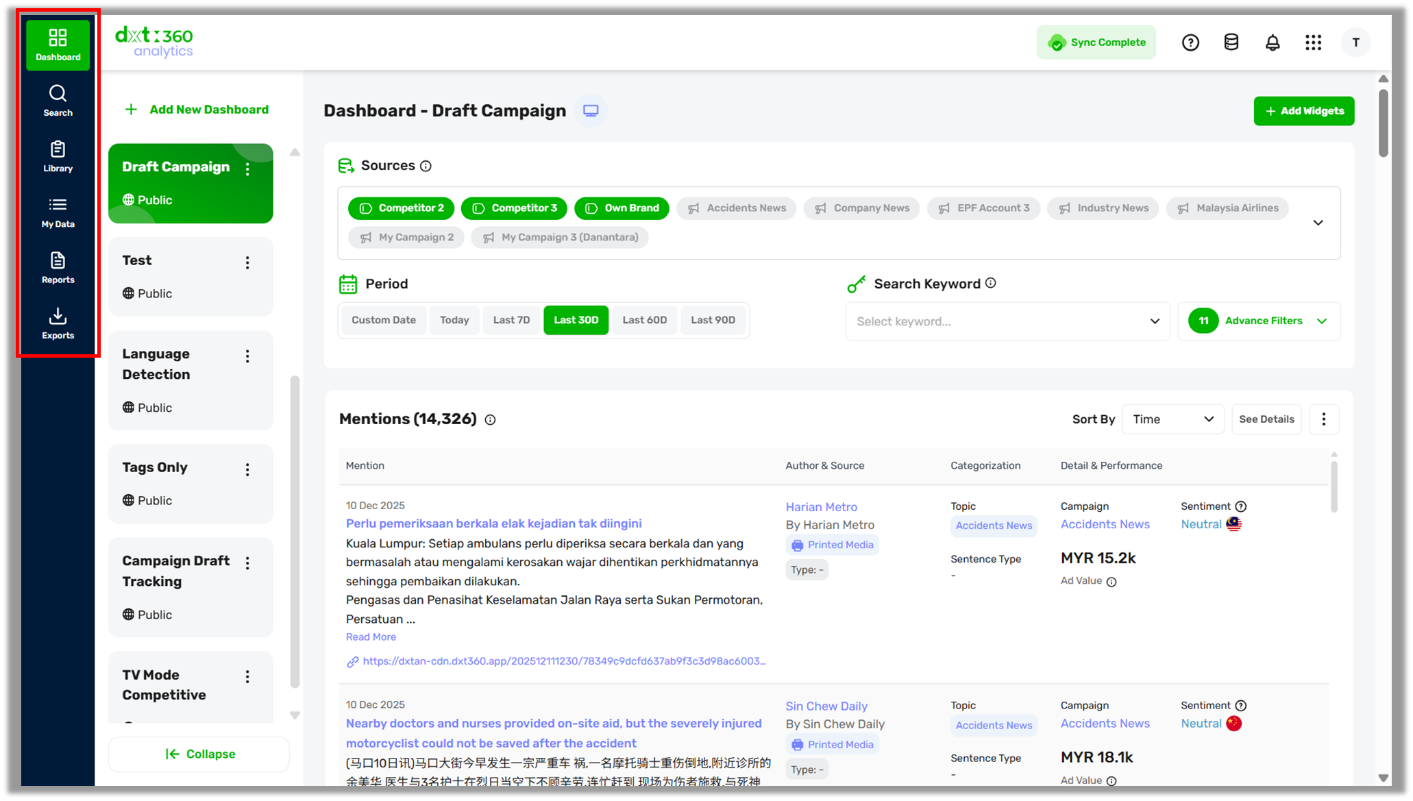
-
Dashboard - Your main workspace for monitoring, analyzing, and visualizing campaign performance in one place.
-
Search - Run quick, efficient keyword searches across historical campaign data to filter mentions and uncover insights. You can also create new campaigns directly from your search results.
-
Library - Access and manage all pre-built campaign assets—including campaigns, dashboards, widgets, reports, and tags—to streamline your tracking and analysis workflows.
-
My Data - Explore and manage your raw mentions to perform detailed analysis. Review sentiment, labels, metrics, and channel performance across your selected campaigns.
-
Reports - View, create, and manage custom or AI-generated reports based on your campaign data. Track performance, identify trends, and share insights easily with your team or stakeholders.
-
Exports - Download campaign data and reports in various file formats for seamless sharing, documentation, or offline analysis.
|
| Portal Navigation — Top Panel |
|
Account
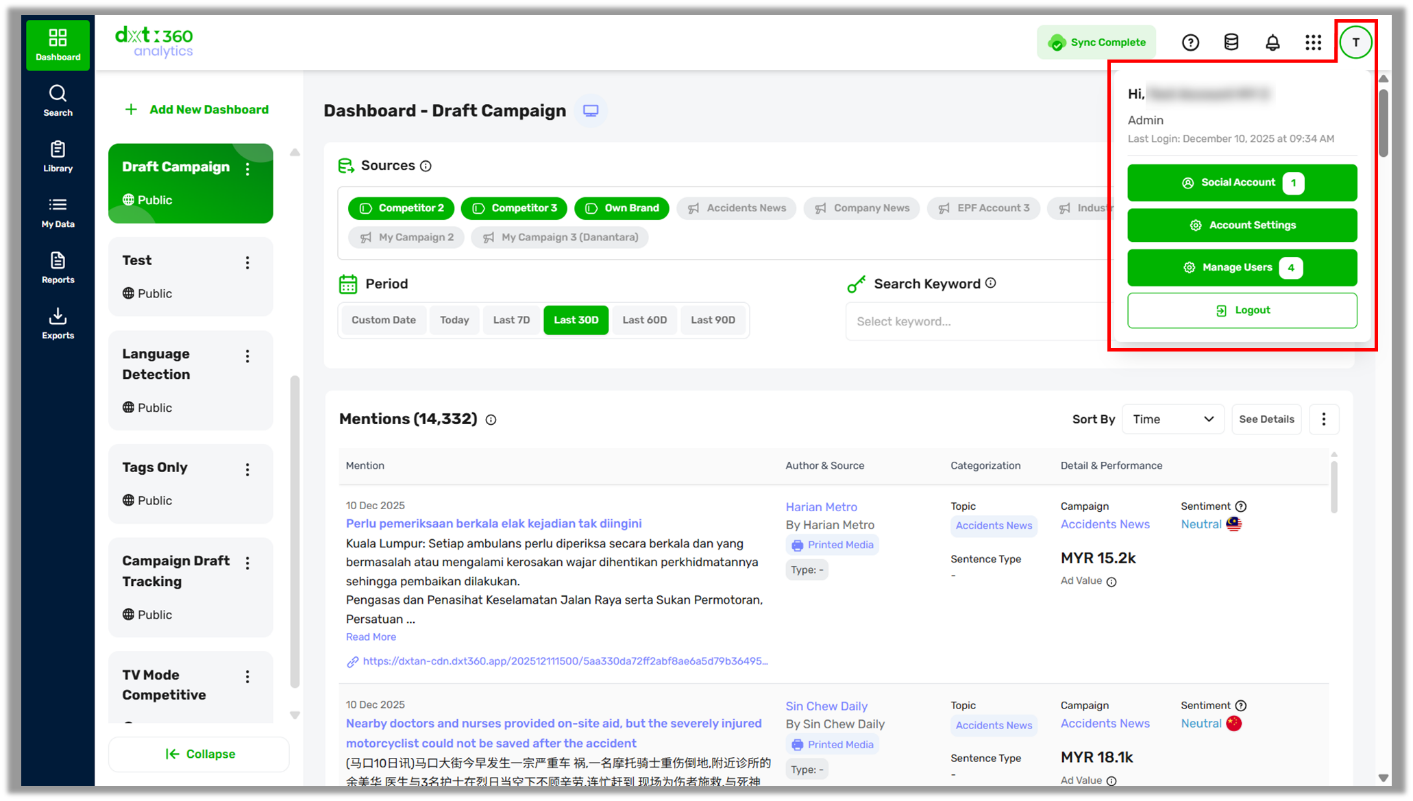
What can you do?
-
Check your account details: View your username, role, and last login time.
-
Social Account: Manage your connected social accounts. This allows you to retrieve and analyze posts and comments directly from those accounts, as well as access additional insights from public hashtag searches for connected Instagram Business accounts.
-
Account Settings: Update your personal information, change your login credentials, and review your active DXT360 subscription.
-
Manage Users (admin only): Control user access across campaigns and dashboards, including assigning roles and permissions for each team member.
|
|
My Apps
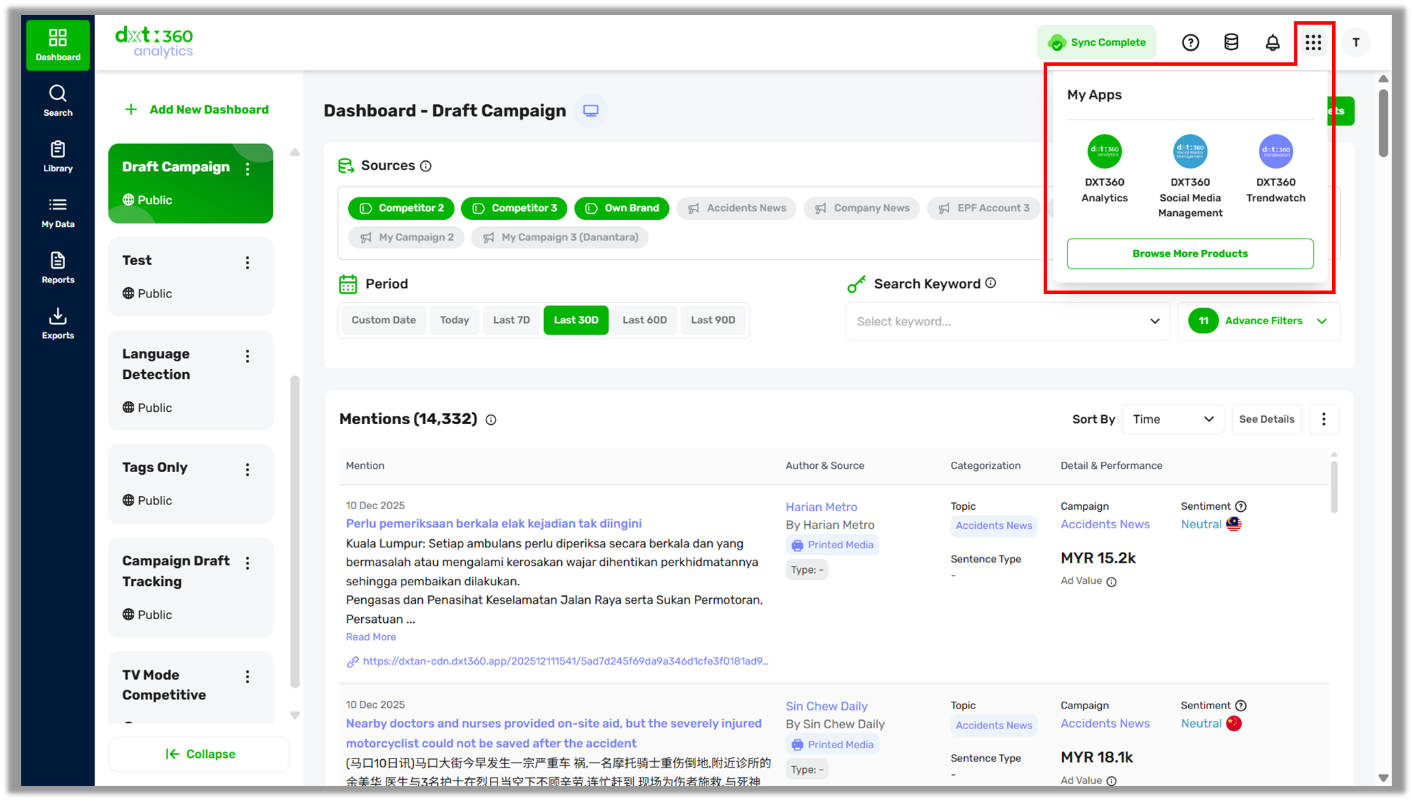
What can you do?
-
Switch between DXT360 apps: Access all available apps in your subscription, such as Analytics, Social Media Management, and TrendWatch.
-
Open apps directly from the grid menu: Hover over the grid icon
 at the top-right corner to view all applications linked to your account. at the top-right corner to view all applications linked to your account.
-
Explore more: Click ‘Browse More Products’ to explore and learn more about each app.
|
|
Notifications
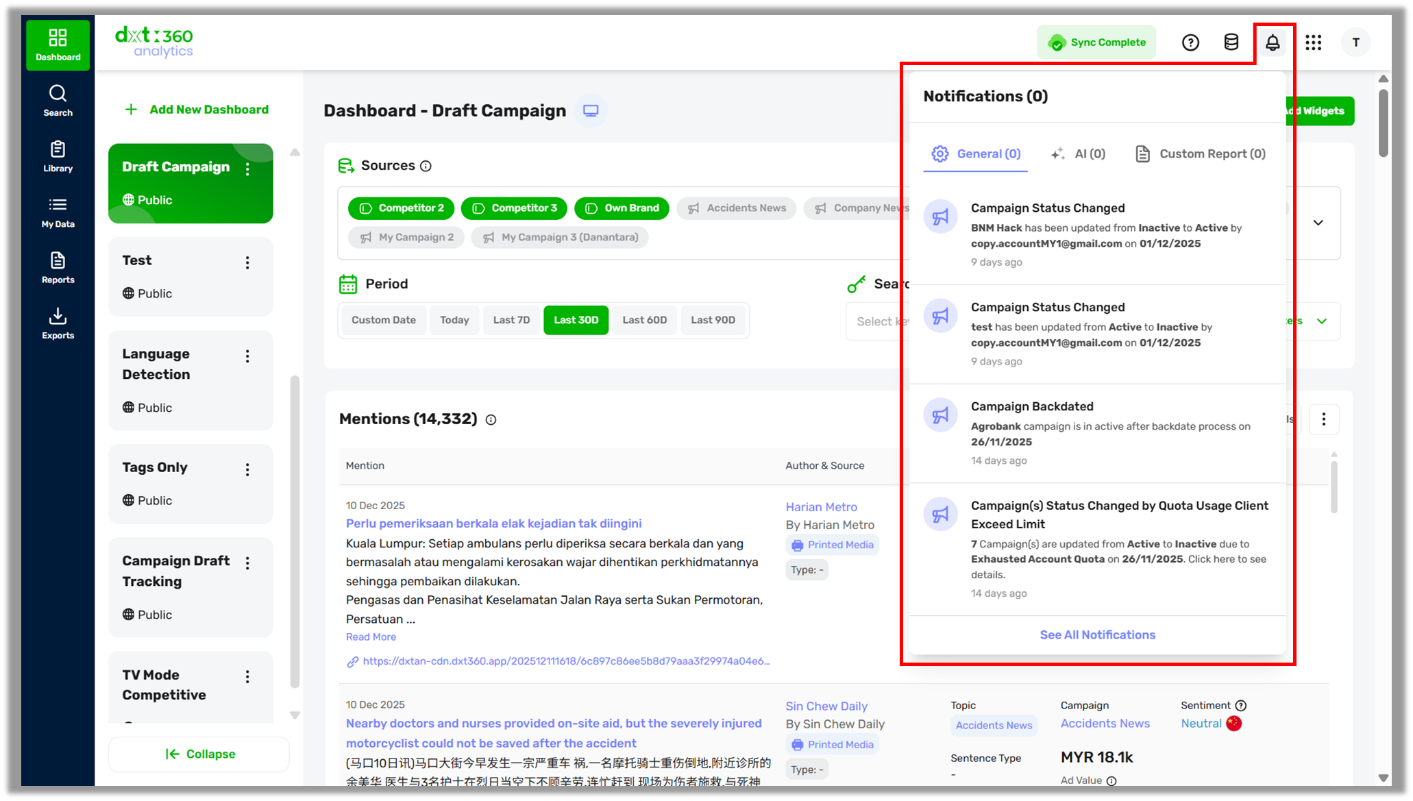
What can you do?
-
View important system updates: See alerts related to campaign status changes, quota limits, backdate results, and other key activities.
-
Filter notifications by type: Switch between General, AI, and Custom Report tabs to quickly find the updates that matter to you.
-
Access detailed notification history: Click ‘See All Notifications’ to review past alerts and track changes over time.
-
Stay informed about account activity: Get notified when team members modify campaigns, trigger processes, or reach usage thresholds.
|
|
Account Usage
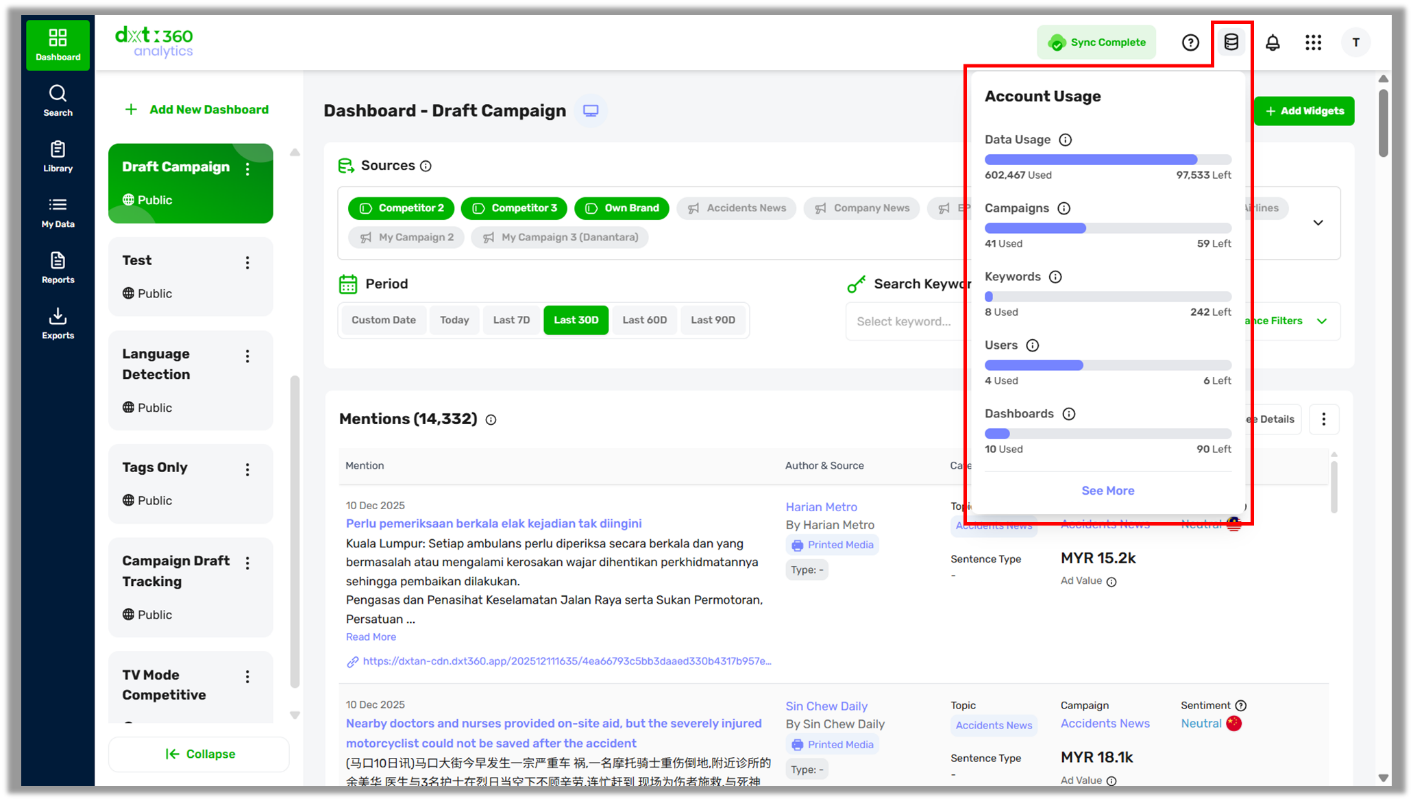
What can you do?
-
Monitor your consumption at a glance: Track real-time usage of data, campaigns, keywords, users, and dashboards based on your subscription limits.
-
Identify remaining quotas: Quickly see how much capacity you have left (e.g., data usage remaining, available campaign slots, or remaining keyword quota).
-
Expand to a detailed breakdown: Click See More to view a complete usage summary, including monthly data consumption and feature allocations.
Read Tracking Your Account Usage in DXT360 to learn more about the account usage.
|
| |
|
Help
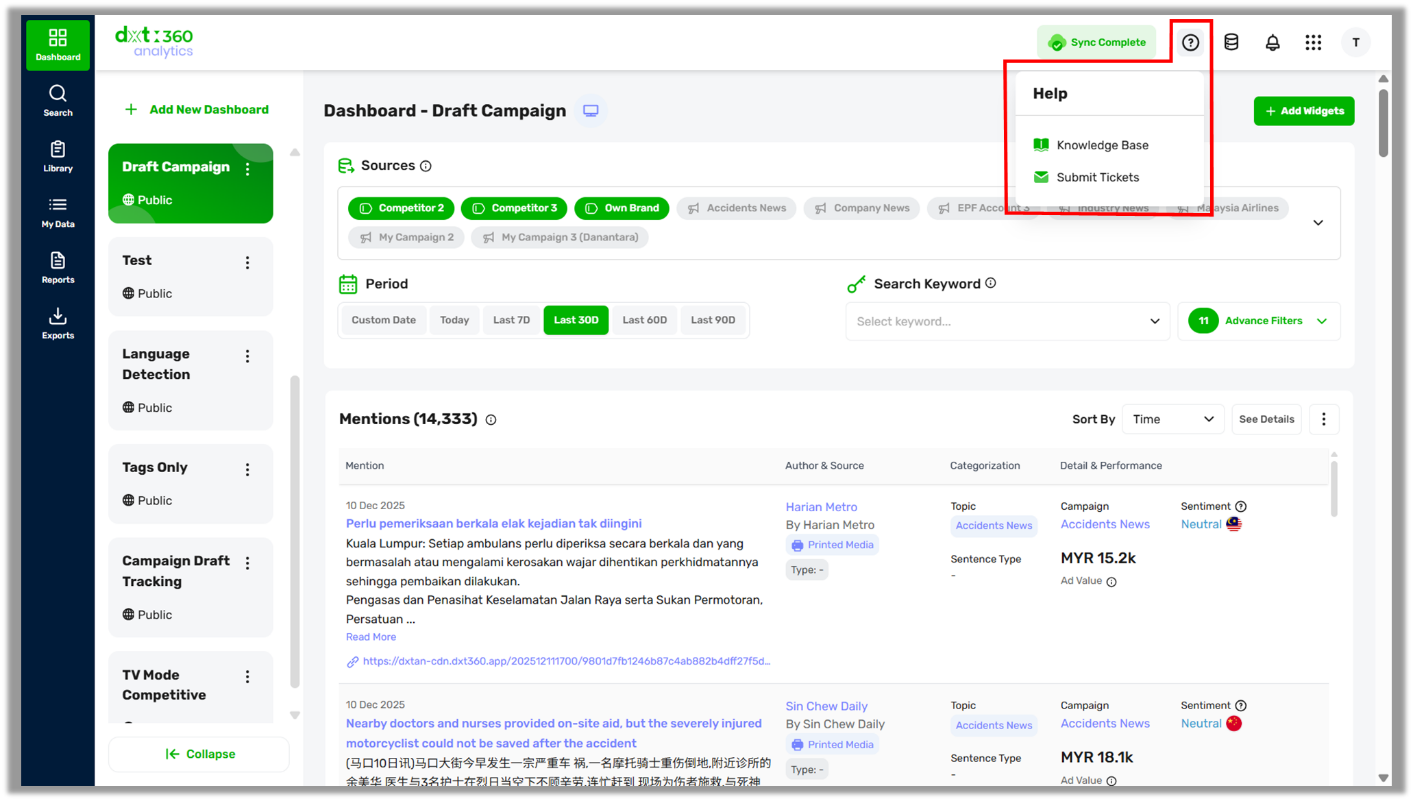
What can you do?
-
Access the Knowledge Base: Browse product guides, FAQs, best practices, and the latest updates to help you use DXT360 effectively.
-
Submit support tickets: Contact our support team directly whenever you encounter issues or need technical assistance.
-
Get self-service troubleshooting: Quickly find step-by-step solutions for common questions without waiting for support.
|
|
Data Update Status
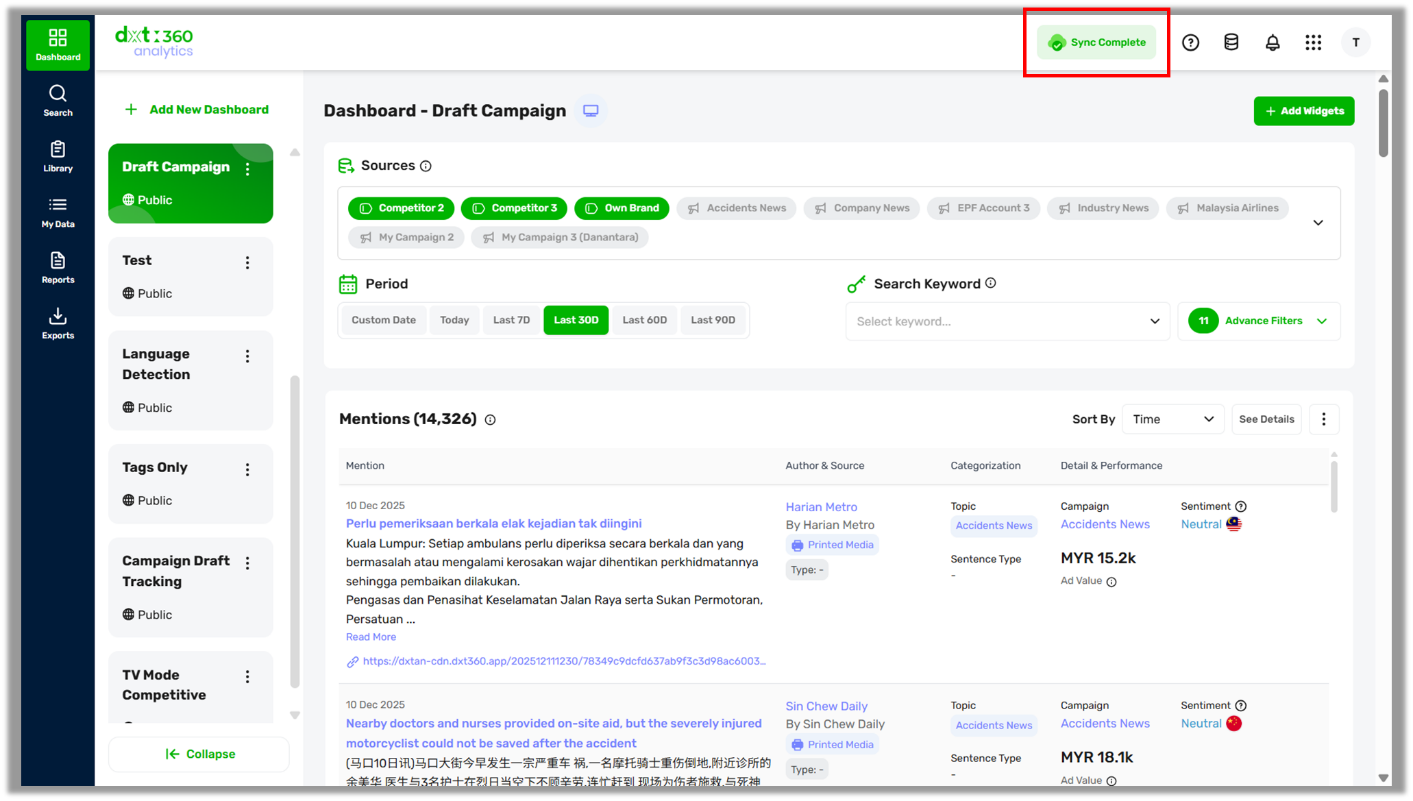
What can you do?
-
See when new data is available:
 status appears when the system detects newly ingested data for your campaign. status appears when the system detects newly ingested data for your campaign.
-
Manually refresh your data: Click the status to trigger a refresh and load the latest data.
-
Auto-refresh through navigation changes: Data refresh also occurs when you switch menus, channels, time periods, or other supported views.
-
Confirm successful synchronization: Once the refresh is complete and all data is fully synced, the status will update to
 . .
|
